We connect your old software — without changing everything
No more copying data by hand between your different software systems
Your software systems do not talk to each other? We connect them.
Legacy system integration means making software systems communicate when they lack a modern API — without replacing them. Our Computer Use technology lets an AI agent operate any software with a screen, exactly as a human employee would.
Studies show that only about 30% of SMEs have fully interconnected systems. The remaining 70% accumulate errors and duplicates from manual re-entry between disconnected software.
Software to replace
Manual re-entry
Automatic
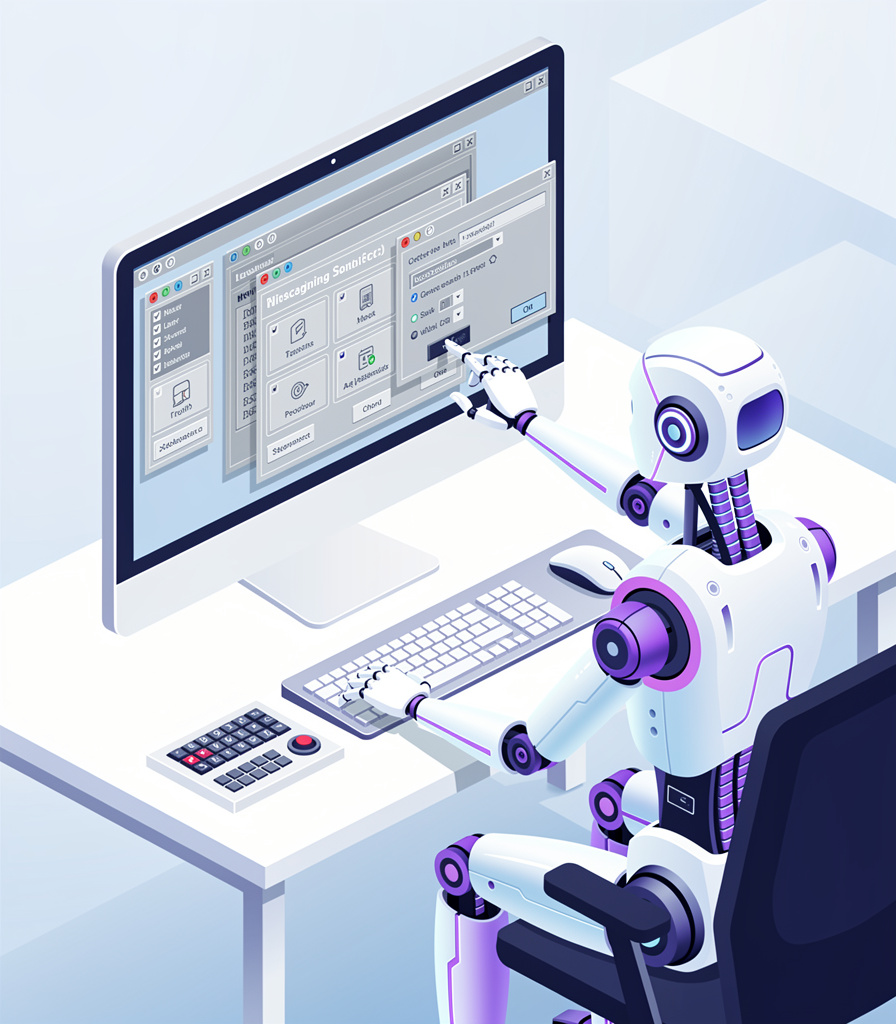
The assistant uses your software like an employee
Our intelligent assistant can use any software that has a screen. It clicks, types, navigates — exactly as a human employee would. Except it never makes mistakes and it works 24/7.
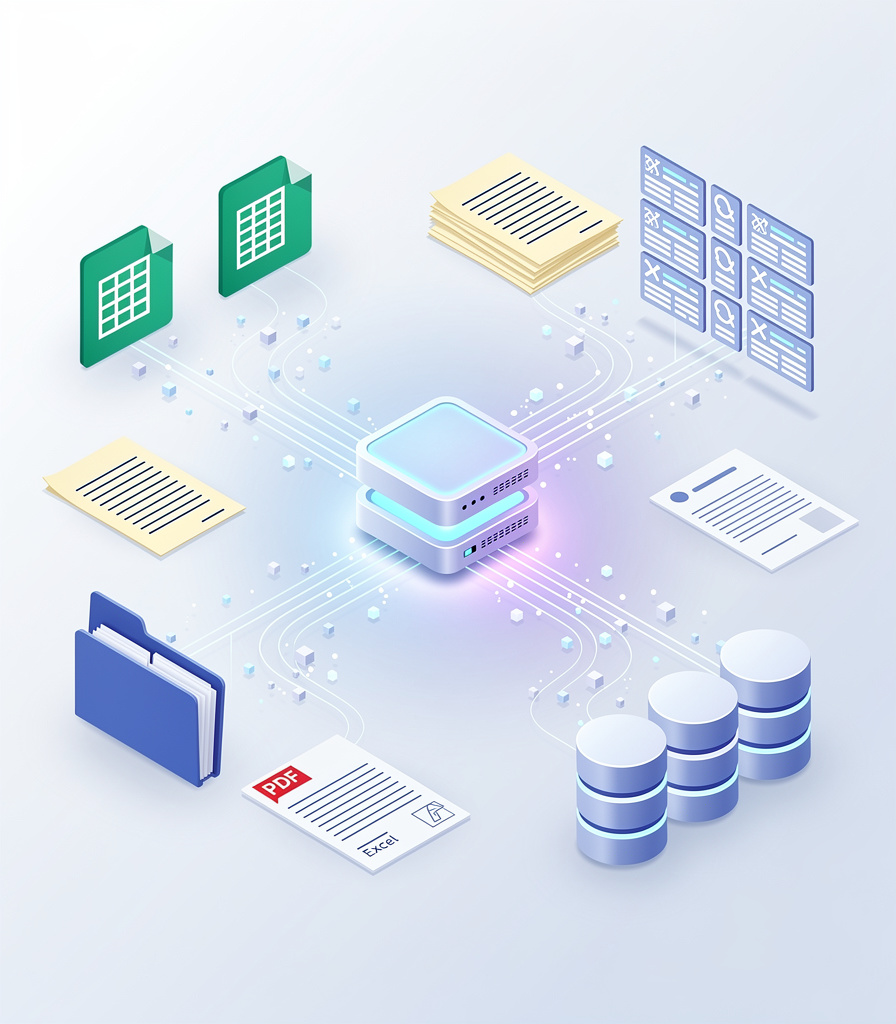
It retrieves information automatically
The assistant can read your PDF invoices, retrieve data from your emails, fetch prices from your suppliers — and organize everything neatly in Odoo or your management software.
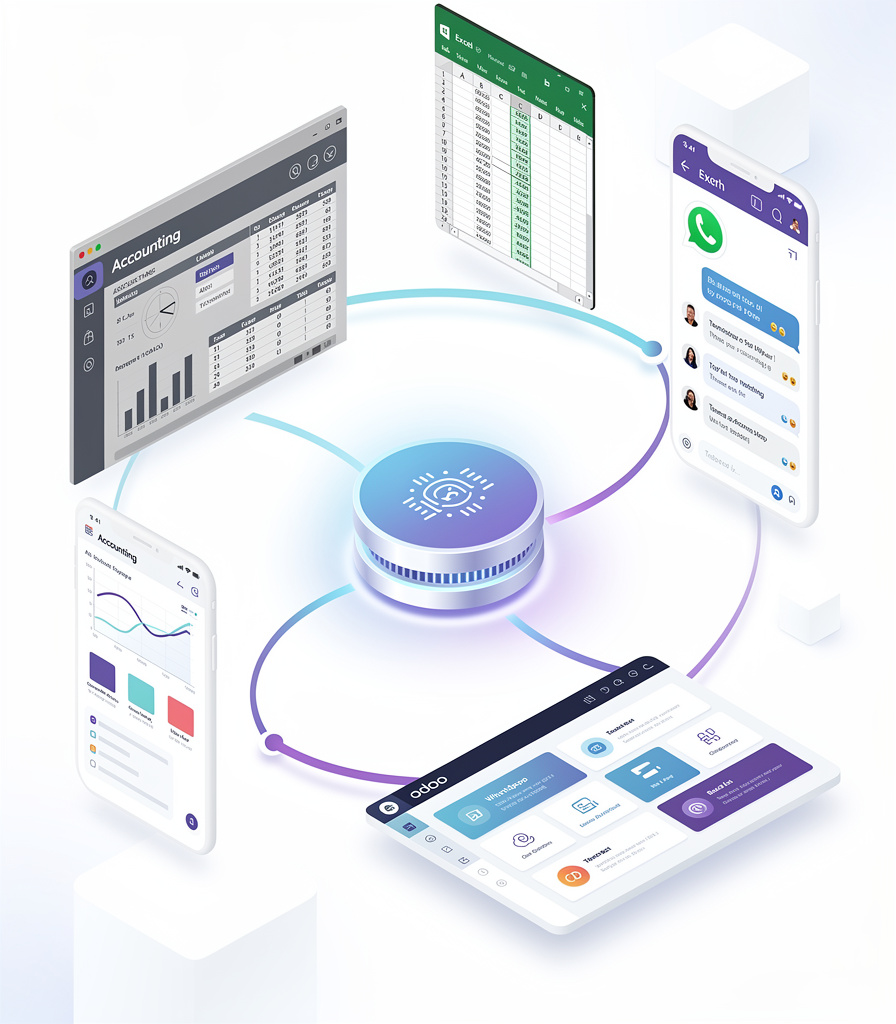
It bridges the gap between your software
Your accounting software does not talk to your inventory management? The assistant bridges the gap: it reads data from one software and enters it into the other. No more re-entry, no more errors.
Real-world examples
Accounting to Odoo
The assistant retrieves entries from your accounting software and transfers them into Odoo — every night, automatically.
Supplier prices to inventory
The assistant checks prices and availability from your suppliers and updates your product records in Odoo.
PDF invoices to accounting
The assistant reads your PDF invoices, extracts amounts and supplier details, and creates accounting entries automatically.
Excel to Odoo
If some colleagues still use Excel, the assistant detects changes and synchronizes the data with Odoo.
Your questions
Which software can the assistant use?
Any software with a screen: accounting software, industry-specific tools, supplier websites, Excel, and many more.
Do I need to modify my current software?
No, not at all. The assistant uses your software as-is. We do not touch anything — it does exactly what an employee would do in front of the screen.
Is it secure?
Yes. The assistant runs on secure cloud servers. Everything it does is recorded in a log. Your data is protected with enterprise-grade security.
How long does it take to set up?
To connect two software systems, expect 1 to 2 weeks. For more complex cases (multiple systems to connect), it takes 3 to 4 weeks.
Your software systems do not talk to each other? Let us fix that.
Tell us what software you use and we will show you how to connect them. It is free and no commitment required.
 Your software connected, automatically